
Developers
Code Diff Checker
Compare two versions of your code
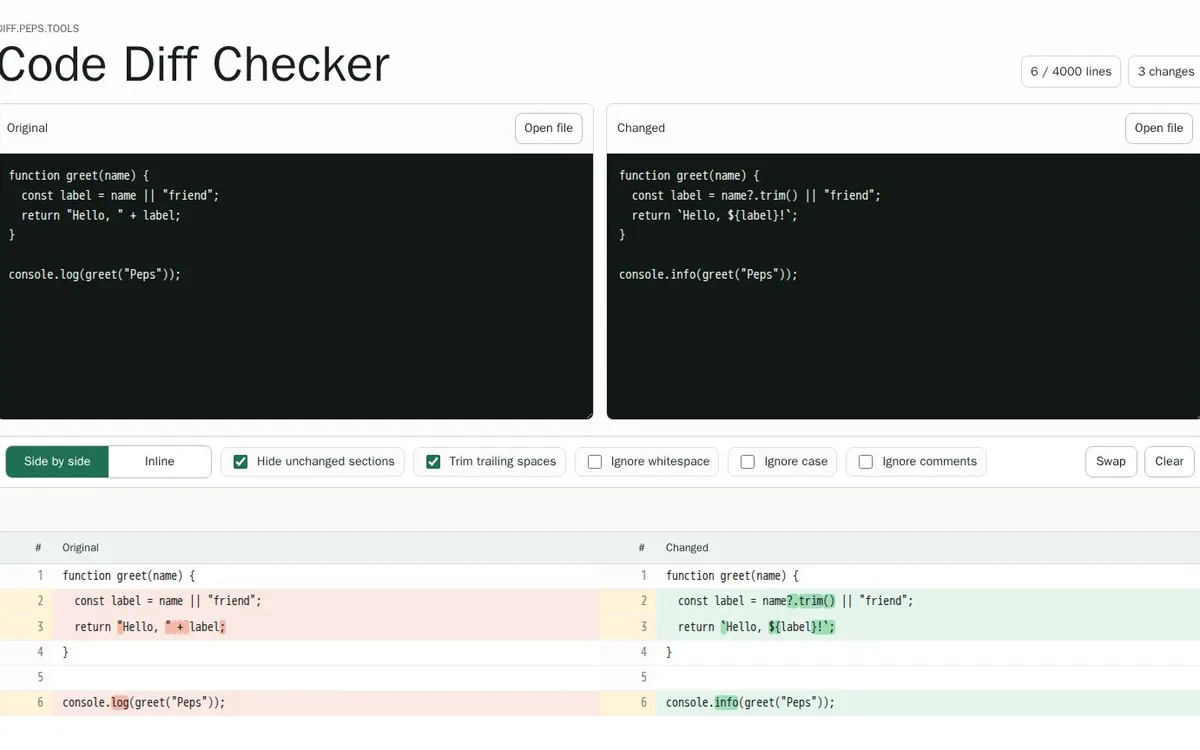
See what changed at a glance. Paste or open two versions of a text or code file and compare them side by side or inline. Ignore whitespace, case or comments and hide what stayed the same.
- Start right away
- Paste or open a file
- Up to 4,000 lines
What it does
What Code Diff Checker does for you
Side by side or inline
Two columns with line numbers, or one continuous view with the changes in between.
Hide unchanged sections
Collapse what did not change, so you only see the differences.
Ignore whitespace
Trim trailing spaces or ignore all whitespace, handy after reformatting.
Ignore case
Compare without a different capital letter counting as a change.
Ignore comments
Leave code comments out of the comparison and see only what the code does differently.
Open, swap, clear
Open files directly, swap original and changed, or start with a clean slate.
How it works
Up and running in three steps
Add the original
Paste the old version into the left pane or open the file.
Add the changed version
Paste or open the new version next to it.
Review and filter
Choose side by side or inline and turn on the filters you need.
Good to know
Questions about Code Diff Checker
Is your question not here? Visit diff.peps.tools or send us a message.
Do I need an account?
No. Open the tool and start comparing right away.
How many lines can I compare?
Up to 4,000 lines per side.
Does it work for plain text too?
Yes. Anything you can paste, from code and config to plain text, can be compared.
Ready to try Code Diff Checker?
Head to diff.peps.tools and see for yourself how it works.
 SEOSitemap GeneratorGenerate sitemaps automatically on a schedule and get technical crawl reports for your website.
 MarketingPEPS QRDynamic QR codes in your own style. Change the destination later and see how often they are scanned.
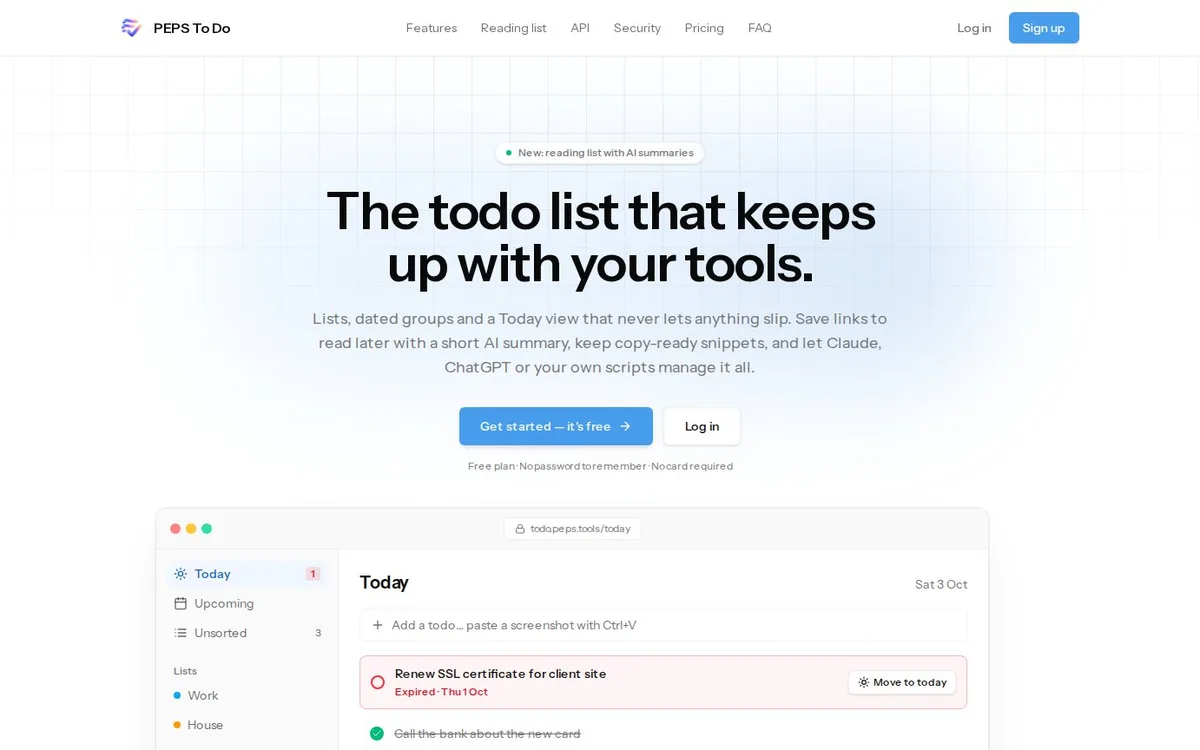 ★ Main productPEPS To DoA to-do list with a Today view, a reading list with Ai summaries and connections to Claude and ChatGPT.