
Productivity
PEPS To Do
Stay on top of your workday
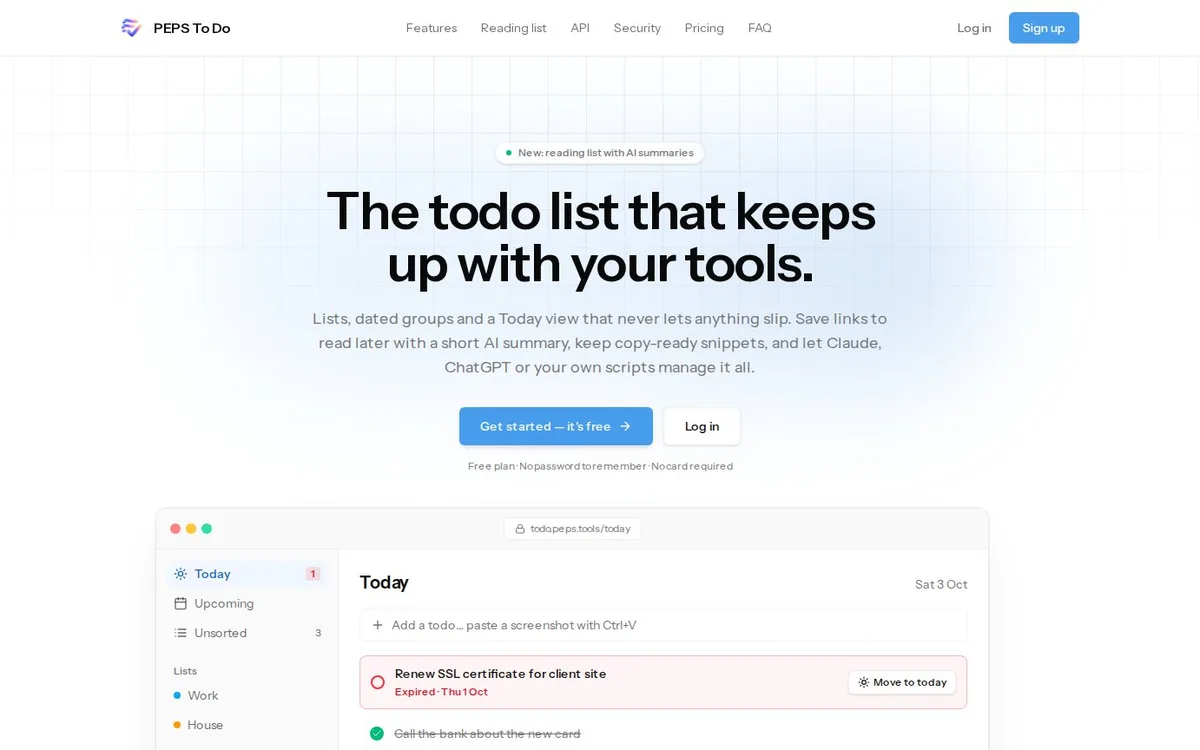
The to-do list that keeps up with your tools. Lists, dated groups and a Today view that never lets anything slip. A built-in Ai assistant turns messy notes into todos and spreads them over your week, and Claude, ChatGPT or your own scripts can manage it all.
- Free plan
- No password to remember
- No card required
What it does
What PEPS To Do does for you
An Ai assistant built in
Paste notes or an email and get separate todos, plan your days within the hours you have, or ask what fits in 45 minutes.
Today, plus anything you missed
Everything due today in one list. Unfinished todos from past days stay put in red, one click to move them to today.
Lists and dated groups
Regular lists like Work or House, plus groups for one day or a range, such as "Berlin trip 12–15 Oct".
Reading list with Ai summaries
Save articles, X posts, videos and podcasts. Each one is sorted and summarised in a few lines.
Snippets and paste fields
Server IPs, account numbers and links in blocks you copy with one click. Encrypted at rest.
Built for Ai and scripts
An MCP server for Claude and ChatGPT, plus a REST API with scoped tokens and OpenAPI docs.
How it works
Up and running in three steps
Create a free account
Sign in without a password to remember, with a passkey if you like. No card required.
Get it all in
Type todos, paste a screenshot with Ctrl+V, or drop in a whole brain dump and let the Ai split it into todos.
Plan and connect
Let it plan your week, install the app on phone and desktop, and connect Claude or ChatGPT through MCP.
Good to know
Questions about PEPS To Do
Is your question not here? Visit todo.peps.tools or send us a message.
Is PEPS To Do free?
You start for free, without a card, with 20 Ai actions a day. The current plans are on the site.
Can I connect Claude or ChatGPT?
Yes. There is an MCP server for Claude and ChatGPT and a REST API with scoped tokens, so your own scripts can manage todos too.
Does it work on my phone?
Yes. Install it as an app on your phone or desktop. Changes show up everywhere right away, and links you share land in your reading list.
Which language are the summaries in?
Dutch pages get a Dutch summary, everything else an English one.
Ready to try PEPS To Do?
Head to todo.peps.tools and see for yourself how it works.
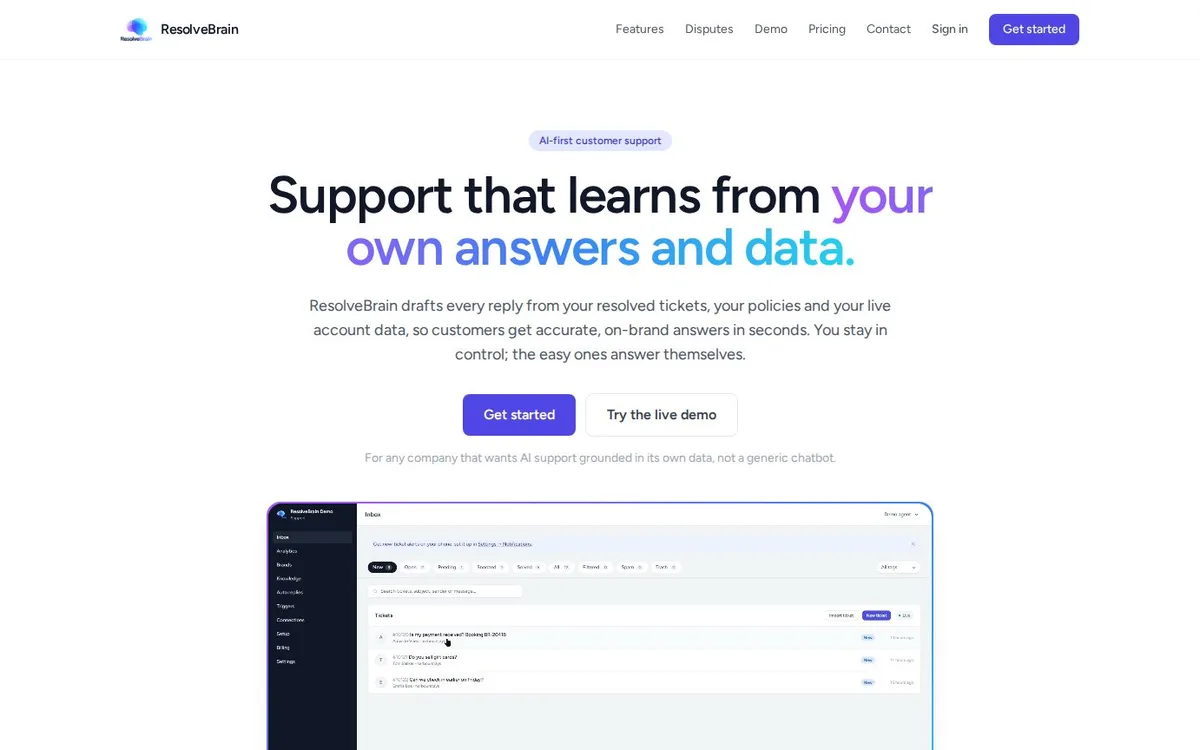 ★ Main productResolveBrainAi customer support that drafts every reply from your resolved tickets, your policies and live account data.
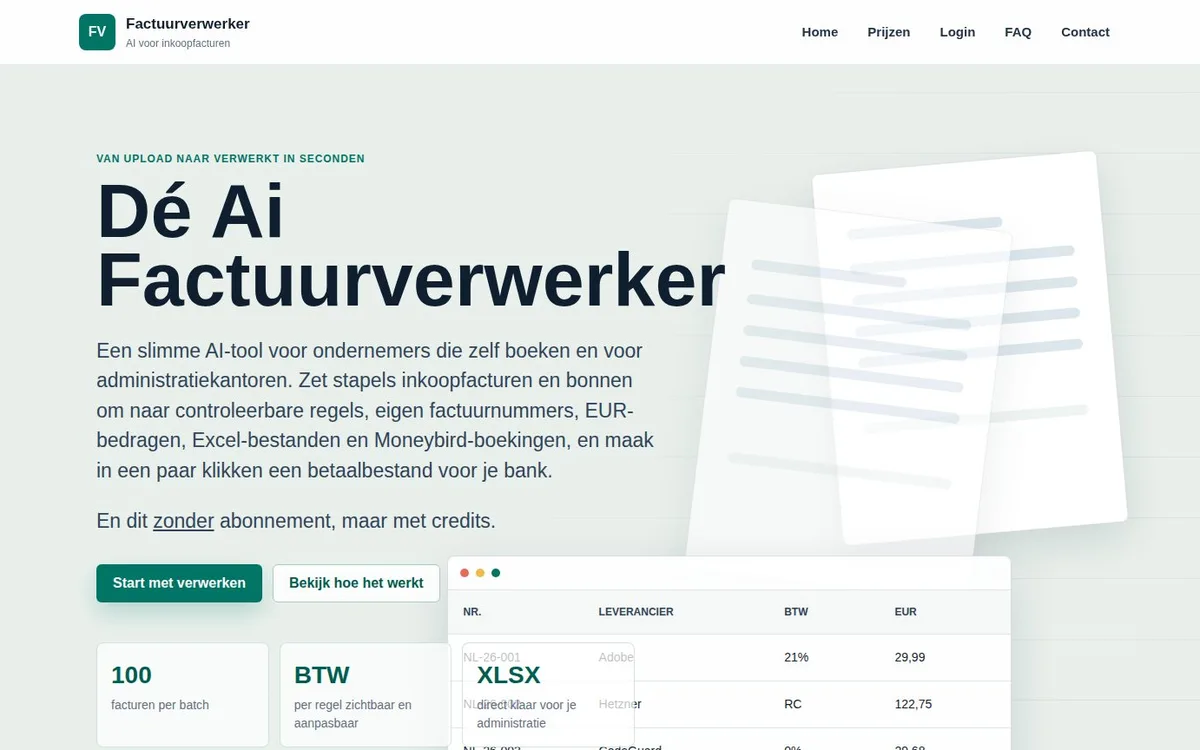 ★ Main productAi InvoicesTurns stacks of purchase invoices into checkable lines with VAT, an Excel export, Moneybird bookings and a payment file for your bank.
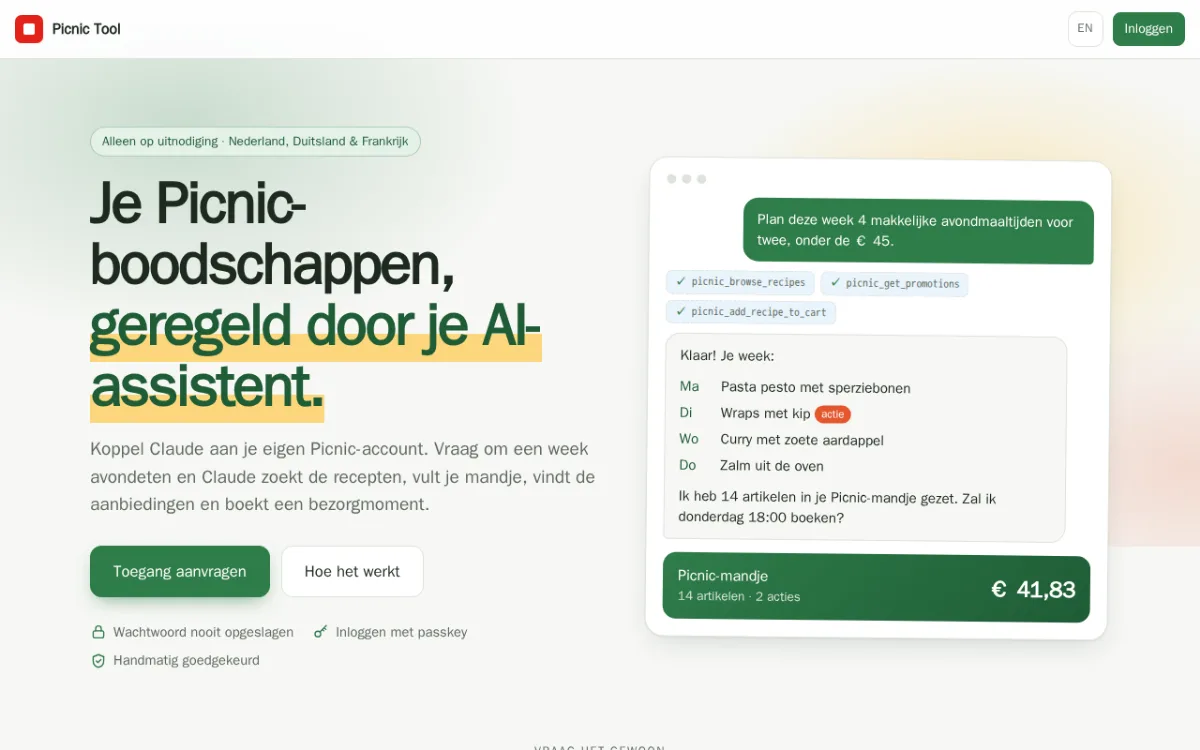 GroceriesPicnic ToolConnect Claude to your Picnic account. Ask for a week of dinners and your Ai assistant finds recipes, fills your cart, spots the deals and books a delivery slot.