
Websites
Ai coding assistant
Change your website in plain words
Tell the Ai assistant what to change on your website, and it does it. New opening hours, a notice at the top, a new colour or a typo: done right away. Every change is described in one line and can be undone with one click.
- In your DirectAdmin panel
- Every change can be undone
- WordPress, WooCommerce and more
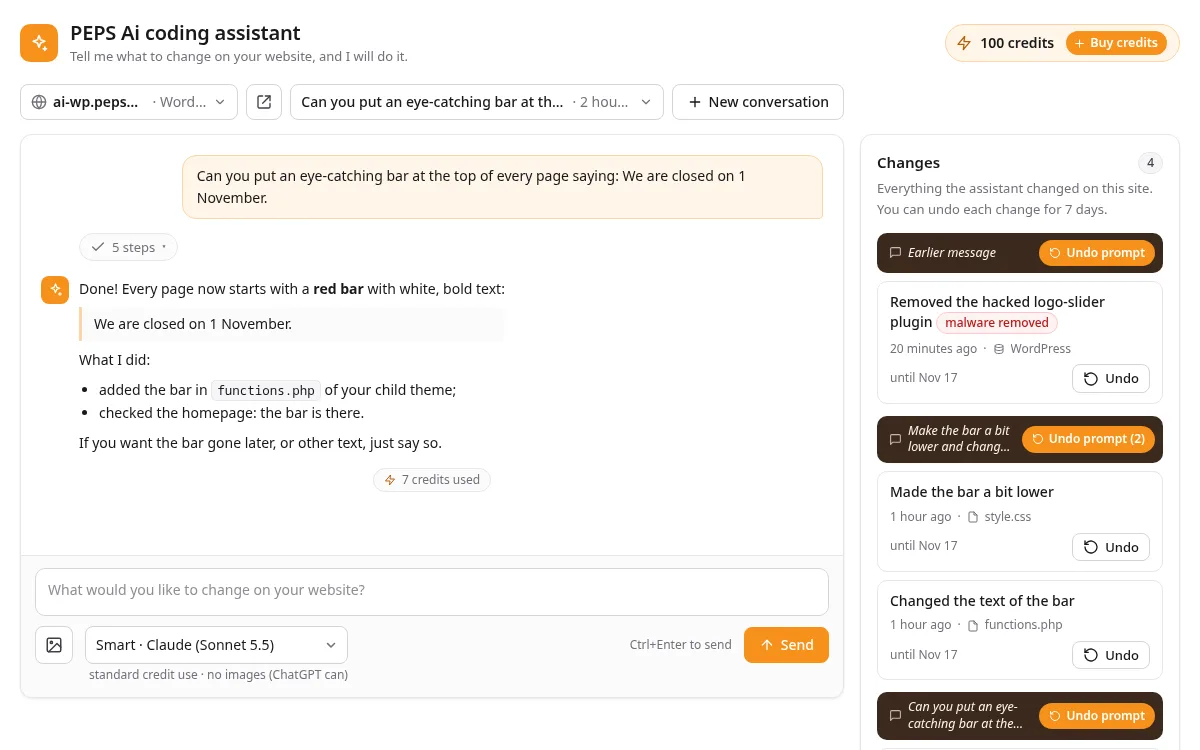
In action
A new homepage in one request
Here a customer asks the assistant to completely redesign their website's homepage: with a new theme, in the style of another site and with motion effects. The assistant builds it, checks the result and adds every step to the list of changes, so everything can be undone.
What it does
What the assistant does for you
Just ask
Type what you want, the way you would ask a web developer. Add a screenshot or photo if that explains it better.
Everything can be undone
Every change is listed with a one-line description and an Undo button. Up to 7 days back, also a whole request at once.
Your site is checked
After every step the assistant checks that your site still works. If a page breaks, it puts the change back itself and tries another way.
WordPress and more
Works with WordPress, WooCommerce and Elementor, and with simple HTML and PHP sites. There is nothing to install.
Safe in your own account
The assistant only works inside your own hosting account. It doesn't change your shop's orders, customers or payment settings, and it asks first before anything that can't be undone.
Fast, Smart or Expert
Pick the level that fits your request, with Ai from Claude, ChatGPT and others. After each task you see how many credits it used.
How it works
Changed in three steps
Open the assistant
Log in to DirectAdmin, open the PEPS Ai coding assistant and pick the website you want to change.
Say what you want
Describe your change in plain words. The assistant looks at your site, makes the change and tells you what it did.
Check the result
Look at your site. Not quite right? Ask for a tweak, or undo it with one click.
Who is it for?
For customers with web hosting at PEPS Media. The assistant is in your DirectAdmin panel. Don't see it yet? Get in touch and we'll help you.
What does it cost?
You start with free welcome credits to try it. After that you take a monthly plan or buy extra credits. After each task you see how many credits it used.
Can I undo a change?
Yes. Every change is in the Changes list with an Undo button, up to 7 days back. You can also undo a whole request at once.
What if something goes wrong?
After every change the assistant checks your site. If it gives an error, the change is put back right away. And as always, we back up your hosting.
Who sees my conversations?
Your request goes to the Ai service that does the work. Our support can read your conversations to help you; you are told this before you start.
Change your website with Ai?
If you host with PEPS Media, you'll find the assistant in your DirectAdmin panel. Questions, or not hosting with us yet? Get in touch.
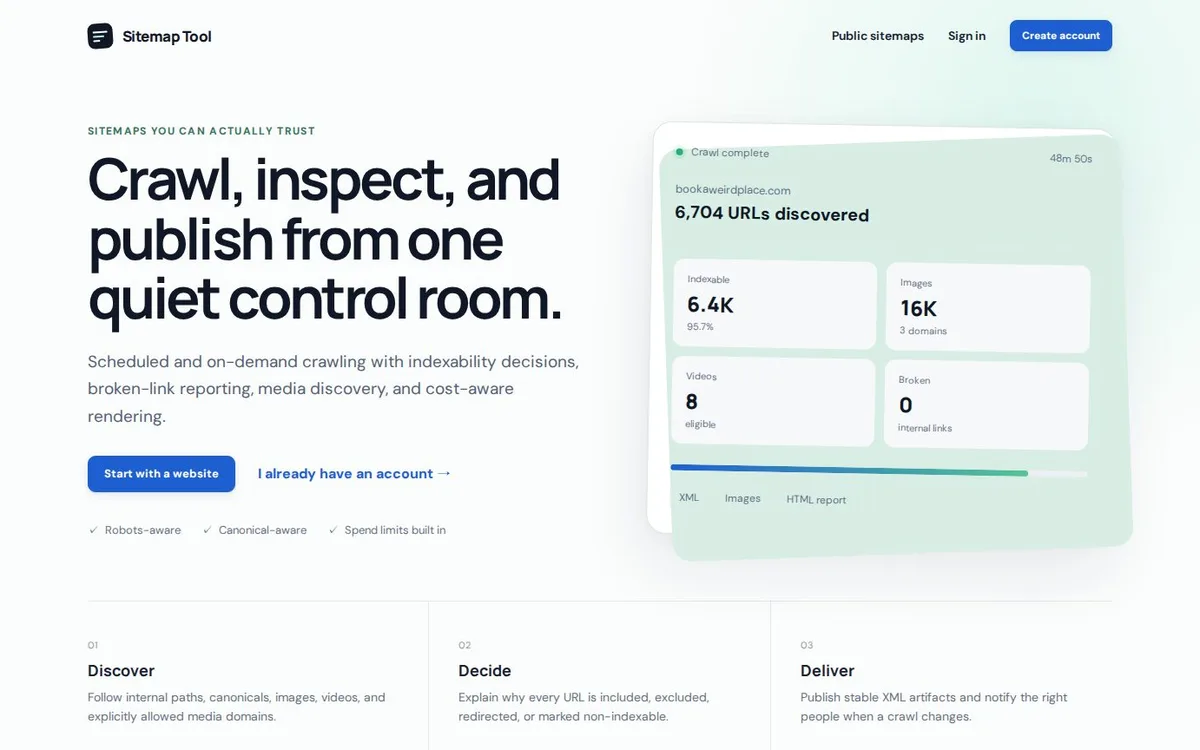 SEOSitemap GeneratorGenerate sitemaps automatically on a schedule and get technical crawl reports for your website.
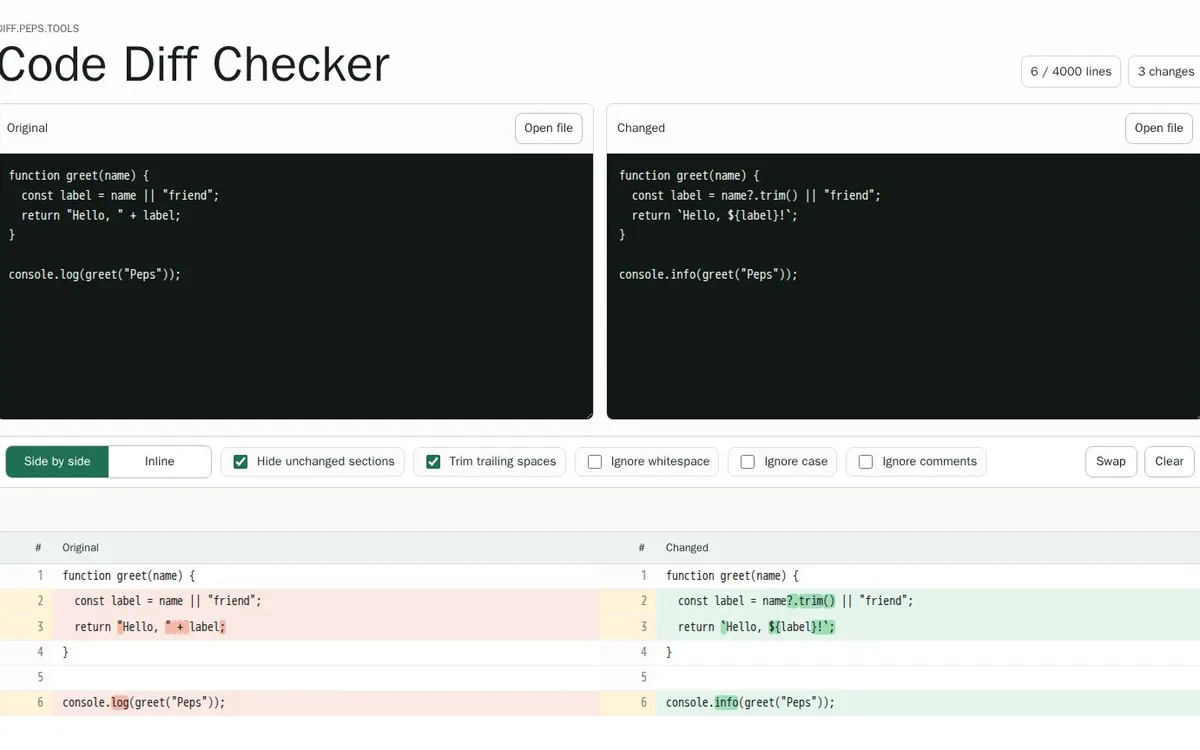 DevelopersCode Diff CheckerCompare two texts or code files side by side or inline, and ignore whitespace, case or comments.
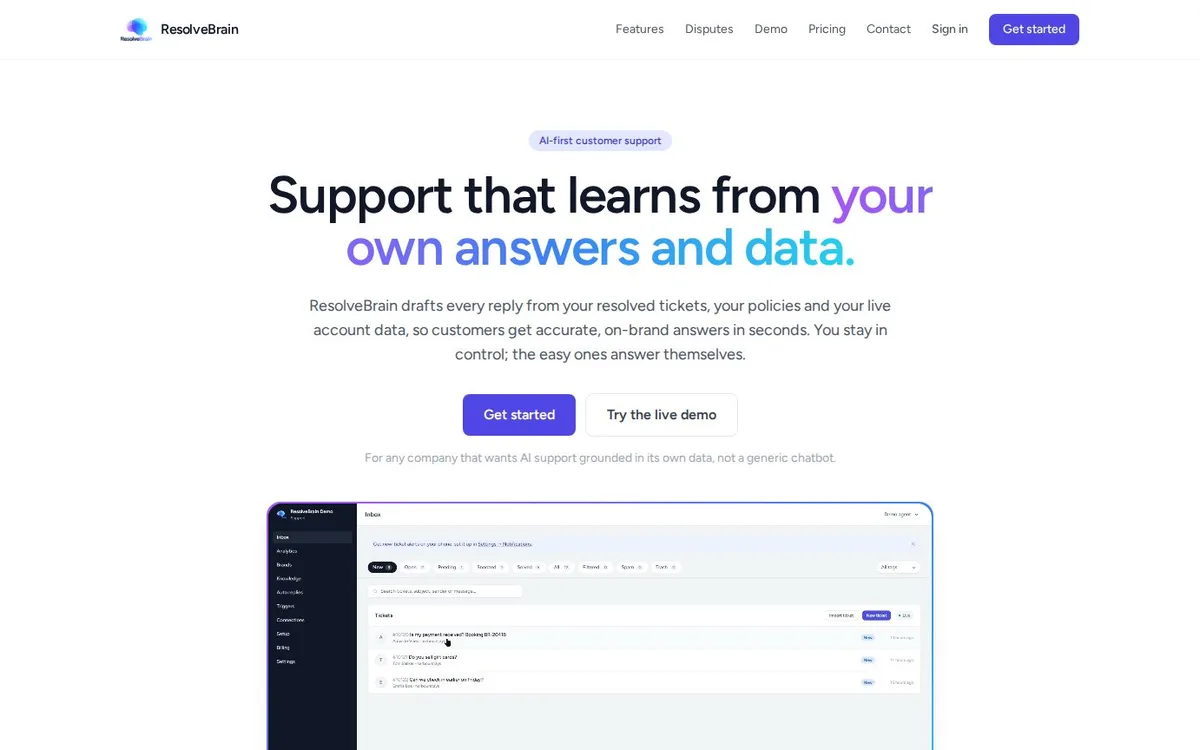 ★ Main productResolveBrainAi customer support that drafts every reply from your resolved tickets, your policies and live account data.